Anatomy of an AI agent
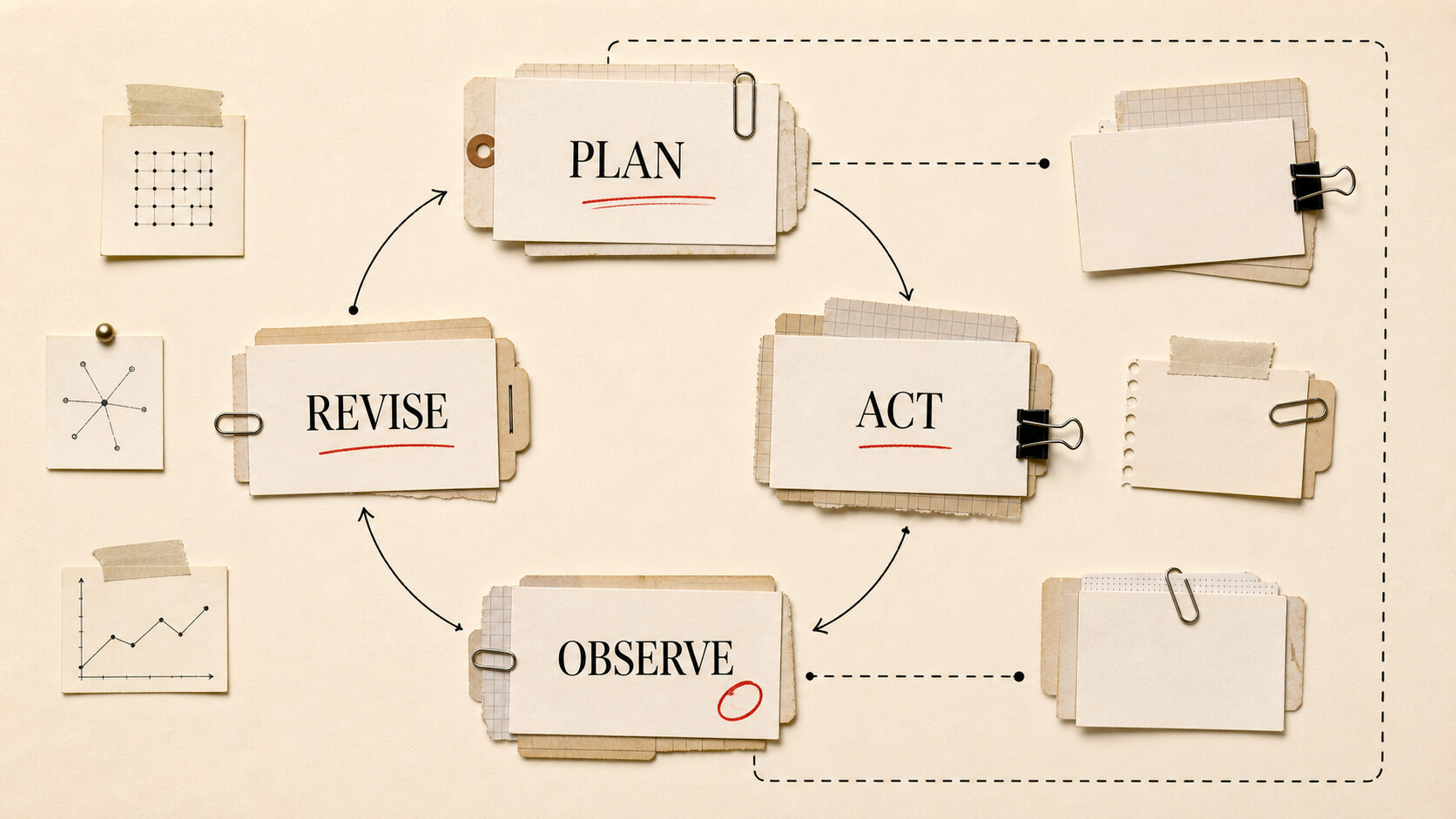
Calling every chatbot an agent makes the word useless. An agent does more than answer once: it works through a task, observes what happened, and decides what to do next.
That definition still leaves several parts to untangle. The model is not the agent. A tool is not a skill. The Model Context Protocol does not supply autonomy. This article puts the pieces from the AI glossary into one working system.
| Level | What you should understand |
|---|---|
| Beginner | An agent is a model working through a task in a loop. Tools let it act; skills tell it how to approach recurring work. |
| Intermediate | A harness assembles context, executes tool calls, records results, and decides when the loop stops. |
| Advanced | Permissions, retries, state, context management, and failure recovery determine whether the system is dependable. |
| Go deeper | Trace a failed tool call, compare one model in two harnesses, or connect a narrow MCP server. |
Follow one job through the loop
Ask an agent to fix a failing software test. It might:
- Read the test failure.
- Search the codebase for the responsible function.
- Form a hypothesis.
- Edit a file.
- Run the test.
- Inspect the new result and either stop or revise the change.
The model chooses among actions and interprets observations. File access, editing, and test execution come from tools. Surrounding software carries tool results back into context, enforces permissions, records state, and keeps the loop running. That surrounding software is the harness.
A plain chat can suggest all six steps. An agent can perform them. “Agentic” describes how much of that path the system can navigate without a person selecting every move. It is a degree of independent action, not a product category with an official threshold.
Tools turn proposals into actions
A tool is a function exposed to the model. It has a name, description, expected input, and result. Examples include reading a file, searching the web, querying a database, or creating a calendar event.
The model does not directly press a button. It produces a structured request, such as a tool name and arguments. The harness checks that request, runs the underlying code, and returns the output. The model then decides what the result means.
Tool descriptions matter. If two tools sound alike or omit important constraints, the model can choose poorly. Tool output matters too. A command that returns ten thousand lines can overwhelm context; a command that hides its exit status can make failure look like success.
Permission should follow consequence. Reading a public webpage is different from sending an email. Drafting an invoice is different from charging a card. Agents work better when low-risk inspection is easy and consequential action has an explicit gate.
Skills package know-how
A skill is reusable guidance for a kind of work. It might contain a checklist for reviewing code, a house style for editing articles, scripts for common checks, and examples of acceptable output.
A tool gives the agent a capability. A skill tells it how and when to use capabilities for a particular job. The boundary is not standardized across products, but the distinction helps. “Can read spreadsheets” is a tool capability; “reconcile this monthly report using these validation rules” is a skill.
Skills can improve consistency without changing model weights. They also create a place to maintain process knowledge outside a massive system prompt. A good skill states its scope, defines completion, points to authoritative references, and says when human approval is required.
Do not hide policy entirely inside a skill the user cannot inspect. If a workflow can publish, purchase, delete, or disclose information, its operational rules deserve visible review.
The harness is the operating environment
The harness turns model inference into ongoing work. It may:
- build prompts and select the model;
- expose tools and execute requests;
- preserve a task list or work log;
- compact old context;
- retry temporary failures;
- request approval;
- limit time, cost, or number of steps;
- save artifacts and logs.
Two agents using the same model can behave differently because one harness retrieves the right files, gives clean tool results, and preserves decisions while the other does not. This is why model-only comparisons miss so much of agent performance.
The harness also owns stopping. “Continue until finished” sounds clear to a person, but software needs operational rules. Did the test pass? Does the requested file exist? Has the agent exceeded its budget? Is it repeating the same failing action? A useful system has success conditions and escape conditions.
MCP standardizes connections, not judgment
The Model Context Protocol is an open standard for connecting AI applications with outside systems. Its architecture lets servers expose tools, resources, and prompt templates to a host application. A host can discover what a connected server offers and make those capabilities available to an agent.
That can reduce one-off integration work. A compatible client may connect to a filesystem server, database server, or business application through the same protocol shape.
MCP does not decide whether a tool is safe to call. It does not make the model reliable, supply a planning loop, or resolve authentication policy for you. The host and server still need secure implementations. The user still needs to know what the connection can read and change.
Before enabling an MCP server, inspect its publisher, code or package, requested credentials, tool list, and data destinations. Treat it as software with access, because that is what it is.
Where agent loops fail
Some failures are ordinary software failures: a network timeout, expired credential, changed API, or full disk. Others come from the model: it selects the wrong tool, invents an argument, misreads a result, or repeats an approach that already failed.
Retries help only when the failure may be temporary or the next attempt can change. Repeating the same invalid request five times burns money. Good harnesses return clear errors and preserve enough state for the model to revise its plan.
Context failure is common on longer tasks. Raw logs crowd out the original requirement. A summary drops a constraint. The agent edits the right file based on an old decision. A short task ledger can preserve the goal, completed steps, current blocker, and important decisions without carrying every token of history.
Risk grows when actions are irreversible. Prefer a draft, branch, preview, or sandbox. Let the agent prepare a message but not send it; create a proposed database change but do not apply it; edit on a branch and run tests before merging.
Questions to ask about any agent
Ask what the agent can inspect, what it can change, and which actions pause for approval. Find out where credentials live and whether tool calls are logged. Check what happens when the model reaches a limit, a tool fails, or the task remains ambiguous.
Then ask what “done” means. If the answer is merely “the model decides,” the system lacks a useful completion contract.
To compare harnesses, give the same model the same small job and record the prompts, tool calls, errors, retries, final artifact, elapsed time, and cost. The traces will teach you more than a polished demo.
An agent is therefore not mysterious. It is a model making decisions inside software that supplies context and controlled action. Most of the engineering lives in those controls.