From one agent to autonomous systems
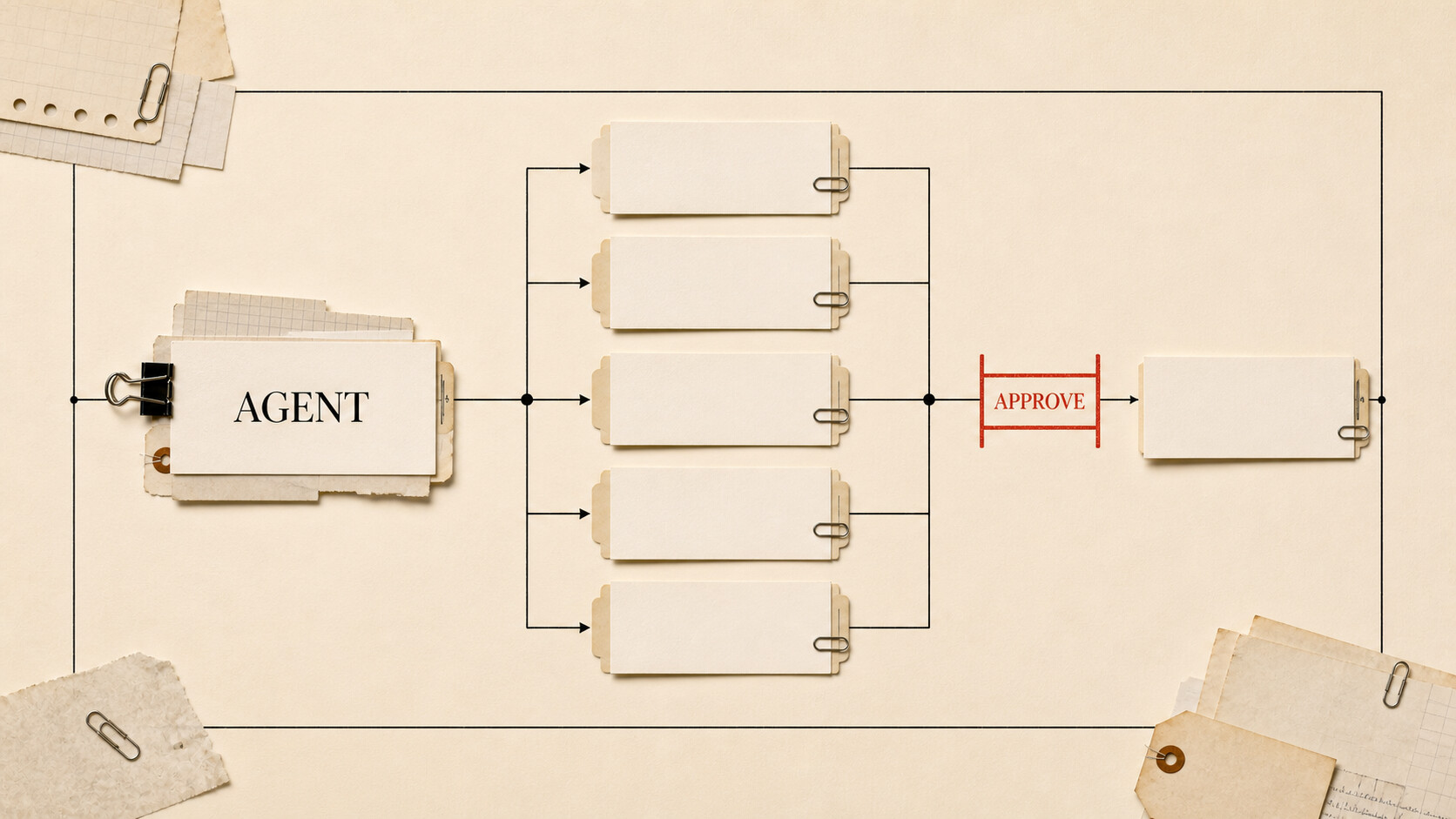
Give an agent a longer task and it needs more than intelligence. It needs a place to work, ways to act, rules for delegation, and evidence that it can finish the job safely.
This article builds on the anatomy of an agent and covers the advanced terms in my AI glossary. The theme is restraint: every added capability creates an operational burden.
| Level | What you should understand |
|---|---|
| Beginner | Frontier is a temporary capability label. Autonomy means how far a system proceeds before asking a person. |
| Intermediate | Computer use, sandboxes, subagents, and multi-agent systems extend what one agent can attempt. |
| Advanced | Evals, permissions, coordination, benchmark setup, and task length determine whether added capability is useful. |
| Go deeper | Build a workflow-specific eval, permission matrix, and disposable test environment before widening autonomy. |
“Frontier” has an expiration date
A frontier model sits near the leading edge of broad capability at a particular time. There is no licensing body or fixed score for the label. A model described as frontier today may become an inexpensive default after the next few releases.
A frontier agent is a whole system near that edge: capable model, effective harness, useful tools, strong context management, and enough time or computation to work through difficult tasks. A leading model inside weak software does not become a leading agent.
Use the term as a dated description, not a permanent class. Ask: frontier at what work, measured when, using which tools and budget?
Autonomy is a distance, not a switch
Autonomy describes how far a system can proceed before it needs approval. A coding agent that reads files and proposes a patch has less autonomy than one that edits, tests, commits, and deploys.
The useful amount depends on reversibility and cost of failure. Let an agent reorganize copies in a temporary folder; pause before it deletes the originals. Let it draft customer replies; review them before sending. As evidence accumulates, you can widen the boundary for a narrow workflow.
Do not set autonomy once for the entire product. Define it per tool and action. Reading, drafting, changing internal state, communicating externally, spending money, and deleting data deserve different rules.
Computer use reaches interfaces without APIs
Computer-use agents look at screenshots and operate a mouse and keyboard. Anthropic’s computer-use introduction describes the core interaction: view the screen, move the cursor, click, and type.
This opens old desktop software and websites that lack useful APIs. It is also fragile. Layouts move, dialogs appear, sessions expire, and a button can change between screenshot and click. A model may misread a small label or operate the wrong row in a table.
Prefer a direct API or structured tool when one exists. Use computer control for the remaining gaps, and insert confirmation around actions whose visual target could be mistaken.
The OSWorld benchmark was created to test agents on real computer tasks across applications. Its existence is a reminder that answering questions and manipulating a changing interface are different skills.
Sandboxes reduce the blast radius
A sandbox is an isolated workspace with limited access to files, processes, credentials, or the network. Coding agents often work in containers or cloud environments so a bad command cannot roam through a person’s computer.
Isolation is a boundary, not absolution. A sandbox with production credentials can still alter production. Network access can leak data. A malicious document can contain instructions meant to trick an agent into using its tools.
Use disposable environments for experiments. Mount only the files needed for the job, supply short-lived credentials, restrict outbound connections, and preserve logs outside the sandbox. Rebuild from a known state after a run rather than trusting whatever the agent left behind.
Subagents trade context for coordination
A subagent handles a bounded part of a larger job in a separate context. A lead agent might ask one subagent to inspect authentication code and another to research an API change, then combine their reports.
This works when tasks are separable and their outputs have clear contracts. It works poorly when every task edits the same files or depends on decisions being made elsewhere. Separate contexts reduce clutter, but they also hide information from one another.
A multi-agent system formalizes that division with roles, routing, shared state, or review. Sometimes it speeds up independent work. Sometimes it recreates office bureaucracy in software.
Before adding agents, ask whether one agent with better tools and context could finish the job. If delegation helps, define ownership, expected artifacts, allowed changes, and how conflicts are resolved. Measure the overhead of coordination along with final quality.
Evals test your system; benchmarks compare many systems
An eval is a repeatable test of behavior you care about. Give the system tasks, capture its work, and judge the outcome with code, human review, another model, or a combination. A benchmark is a shared test used across models or agents.
The best internal evals are often small and unglamorous. Twenty support questions with known answers can reveal more about your assistant than a broad academic score. Ten representative spreadsheet jobs can expose the exact formatting and formula failures your team sees.
Published benchmarks are useful, but read the setup. Check the model version, tools, harness, number of attempts, time and token budget, scoring method, and whether the test data may have appeared in training. A score belongs to that configuration.
Agent evals should record partial failure. Did the agent choose the right file but apply the wrong change? Did it finish only after a human correction? A single pass/fail number can hide the point where the workflow breaks.
Build a permission matrix
For a proposed agent, list each capability and decide four things: what it can read, what it can change, whether approval is required, and how the action can be reversed.
| Capability | Default boundary | Evidence before widening access |
|---|---|---|
| Read project files | Limit to named folders | Logs show it stays within task scope |
| Edit files | Work on copies or branches | Relevant evals pass consistently |
| Send messages | Draft only | Human reviews show acceptable accuracy and tone |
| Change production | No direct access | Staged tests, rollback, monitoring, named owner |
| Spend money | Require approval | Explicit limits and transaction audit |
This is more useful than declaring an agent “safe.” Safety depends on the action, environment, and recovery path.
Earn autonomy with evidence
Start a workflow in observation mode. Let the agent recommend actions while a person performs them. Move to draft mode, then execution with approval. Only consider unattended runs after you have representative evals, logs, alerts, and a tested recovery procedure.
When failures recur, narrow the task or permission instead of adding a grander prompt. A frontier agent is still software operating under uncertainty. Its reach should grow at the speed of your evidence.
Next: open, closed, local, and hosted, a guide to choosing the pieces behind the agent.