Going beyond the chat
Practical AI agents for business workflows
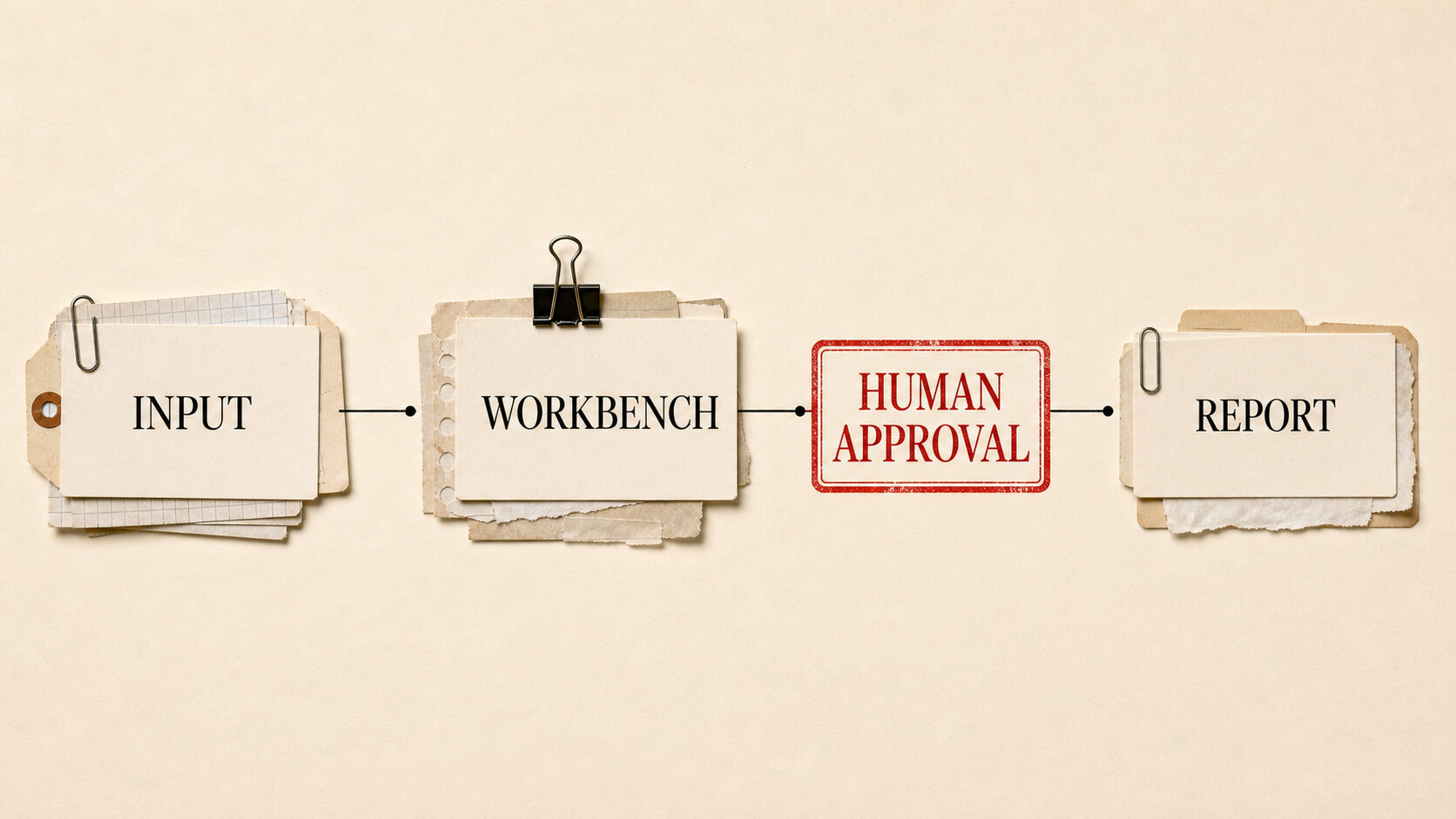
“Replace yourself” is a provocative way to describe a useful exercise: find the repeatable parts of your work, document how they happen, and give an agent enough context and controlled access to perform them.
You are not transferring accountability to software. You are separating assembly from judgment. The person remains responsible for the process, exceptions, and consequences.
This final article applies the AI glossary to business work. It draws especially on context and prompting, agent anatomy, autonomy and evals, and stack choice.
| Level | What you should understand |
|---|---|
| Beginner | Choose frequent, repeatable work and define the desired outcome before choosing an agent product. |
| Intermediate | Map inputs, decisions, actions, approvals, outputs, and failure paths. Then supply tools, skills, and context. |
| Advanced | Secrets, prompt injection, audit logs, cost controls, recovery, and workflow-specific evals determine whether automation is responsible. |
| Go deeper | Pilot one workflow in draft mode, compare two harnesses, and widen autonomy only where evidence supports it. |
Assistance, automation, and delegation
Chat assistance helps with one part of a job while you drive. You ask for a summary, copy it into a document, find the next source, and return with another prompt.
Traditional automation follows a predetermined path: when this event occurs, run these exact steps. It is excellent for stable processes with explicit rules.
Agent delegation sits between them. You define an outcome and boundaries; the agent can inspect the situation, choose among tools, and revise its path. That flexibility helps with messy documents and varied inputs. It also makes behavior less predictable than a fixed script.
Use ordinary automation where rules are enough. Add an agent where the work requires interpreting language, selecting among changing sources, or recovering from small variations. A workflow can combine both.
Find a job worth handing off
Look for work that is frequent, tedious, measurable, and low in consequence when run as a draft. Good candidates include:
- assembling a weekly report from known sources;
- sorting incoming requests and proposing replies;
- preparing meeting briefs from calendar and project files;
- extracting fields from a batch of documents;
- checking a software repository and drafting maintenance changes;
- preparing a publishing package from an approved article.
Avoid starting with a rare process nobody fully understands, a decision that carries legal or financial responsibility, or a task whose failure would be invisible. The first workflow should produce an artifact a person can inspect.
Before opening an AI product, perform the job manually and write down what you did. Note source systems, decisions, exceptions, and the tests you use without thinking. If the human process cannot be described, the agent will inherit that ambiguity.
Map the workflow
Every useful map needs six parts:
- Trigger: What starts the work?
- Inputs: Which systems and files are authoritative?
- Decisions: Where does judgment or classification occur?
- Actions: What may the agent read, create, or change?
- Approvals: Which steps pause for a person?
- Output and recovery: What proves completion, and what happens after failure?
Consider a weekly customer-feedback report.
The manual process starts Friday morning. A person exports support tickets, reads sales-call notes, finds repeated complaints, compares them with last week’s report, writes a summary, and sends it to product leaders.
An agent version could look like this:
| Stage | Agent responsibility | Human responsibility |
|---|---|---|
| Trigger | Start on schedule or when the source folder is ready | Own the schedule and pause it when inputs are incomplete |
| Collect | Read the named ticket export, call-note folder, and prior report | Control source access and confirm the reporting period |
| Analyze | Group themes, preserve supporting examples, flag uncertainty | Define taxonomy and review sensitive or ambiguous items |
| Draft | Create the report in the required template with source links | Judge claims, priorities, and recommendations |
| Validate | Check totals, missing files, links, and required sections | Resolve discrepancies the agent cannot explain |
| Publish | Prepare a message and attachment | Approve and send |
| Recover | Save a run log and mark the failed stage | Decide whether to retry, correct inputs, or finish manually |
The map prevents a vague instruction such as “handle customer feedback” from becoming an accidental grant of authority. It also exposes the places where a conventional script is better. Counting records and checking required columns should be deterministic. Theme grouping may benefit from a model.
Turn your process into context, skills, and tools
Context gives the agent the material for this run: source files, reporting period, prior report, and current business priorities. Stable process rules belong in a visible project instruction or skill. Tools provide access to folders, ticket systems, documents, and messaging.
A useful workflow skill might specify:
- the authoritative sources and their order of precedence;
- the reporting template;
- how to treat duplicate and sensitive records;
- validation checks;
- what the agent must never infer;
- the exact point where approval is required;
- the artifact and log that count as completion.
Keep secrets out of prompts and skill files. Store credentials in the harness or operating system’s approved secret mechanism, grant narrow scopes, and rotate them. An agent that can read a customer database does not automatically need permission to change it.
Treat outside content as untrusted. A support ticket, web page, email, or document can contain text telling the agent to ignore its rules or expose data. That is prompt injection. The harness should distinguish instructions from source material, but you should also limit what tools are available while processing untrusted inputs.
Four routes beyond chat
The right harness depends on where the work lives and how much you want to configure.
Claude Cowork is aimed at knowledge work on local files and applications. Anthropic describes it as taking an outcome and working across sources to return a deliverable. That makes it a natural place to test document assembly, research synthesis, file organization, and structured extraction. Review its current permissions and product controls before pointing it at a broad folder.
Codex began as a coding agent and now supports skills, multiple agents, and automations. Its code-centered environment is useful when a workflow can be expressed as files and scripts: generate a report from data, validate it with code, keep the process under version control, and produce auditable artifacts. OpenAI increasingly positions Codex for knowledge work as well, but “ChatGPT Codex” is best understood as Codex connected to a ChatGPT account rather than an ordinary ChatGPT conversation.
Hermes Agent from Nous Research offers a more configurable personal-agent route with tools, memory, skills, and messaging integrations. It can suit somebody who wants to choose providers and shape a persistent assistant around their own workflows. That flexibility creates setup and security work you must own.
OpenClaw is another general-purpose agent runtime. It assembles prompts, runs an agent loop, and connects tools. It is worth evaluating when you want inspectable, configurable agent behavior outside a single provider’s product.
These are routes into the problem, not a ranking. Product capabilities change. Test the current version against the same workflow map, permission boundary, and eval set.
Run the first pilot in draft mode
Give the agent copies of real inputs with sensitive fields removed where possible. Ask it to produce the deliverable and a run log, but deny external communication and production changes. A person performs the existing process in parallel.
Compare:
- factual accuracy and missing items;
- edits required before use;
- elapsed time and human attention;
- tool failures and recovery;
- unsupported claims;
- cost per completed run.
“It saved twenty minutes” can be less important than “I no longer had to hold seven source locations in my head.” Measure saved attention as well as clock time. Also count review burden. A fast draft that requires line-by-line suspicion may not be a win.
Run difficult cases deliberately. Remove one input file. Supply conflicting dates. Include a malformed export and a message containing hostile instructions. Confirm that the agent stops or flags the problem instead of smoothing it over.
Add approvals according to consequence
Once draft quality is consistent, allow the agent to save the report in the right folder. Keep sending behind approval. If it performs safe scheduled runs for several cycles, you might let it notify you that a draft is ready.
Widen one permission at a time. Do not move from “can read a folder” to “can operate my entire desktop” because the first test went well.
Every unattended workflow needs:
- a named owner;
- spending and runtime limits;
- an audit trail of inputs, tool calls, and outputs;
- an alert for failure or ambiguity;
- a way to cancel future runs;
- a manual fallback;
- a review date for permissions and source changes.
Failure recovery should be designed before scheduling. Make steps idempotent when possible: retrying should not create duplicate messages, charges, or records. Save checkpoints so a person can resume after the last verified stage rather than rerunning the whole job.
Where judgment stays human
An agent can rank themes in feedback. A product leader decides which one matters. It can prepare a renewal memo. The accountable manager decides whether to sign. It can draft a response to an upset customer; a person should handle promises, exceptions, and relationship risk.
This boundary is not a concession to weak technology. Judgment includes responsibility, organizational context, values, and authority. Automating the assembly around a decision can give a person more time to make it well.
The goal is not an electronic employee. It is a documented operating system for the recurring parts of your own work: clear inputs, explicit rules, useful tools, narrow permissions, observable results, and a person who knows when to intervene.
Start with one Friday report. If the agent can assemble it reliably while you retain the final call, you have gone beyond chat in a way that matters.